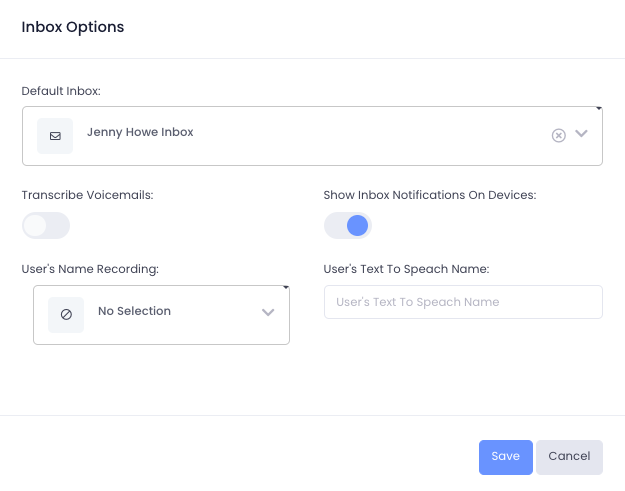
How do I change my default inbox?
Instructions
Section titled “Instructions”To change your default inbox:
- Select Settings from the top toolbar
- Under Account, chooseUsers
- Select the user to edit
- In the left pane, go to Voice
- Locate the ‘Inbox Options’ box in the bottom right
- Click the edit button in the top right corner
- From the Default Inbox dropdown, select your preferred inbox
- Press Save