Using the AI Chat Bot
There are two places to have a conversation with the AI bot.
- Call History (single & multi-call)
- Communicator (single call)
Call History
Section titled “Call History”Multi-Call
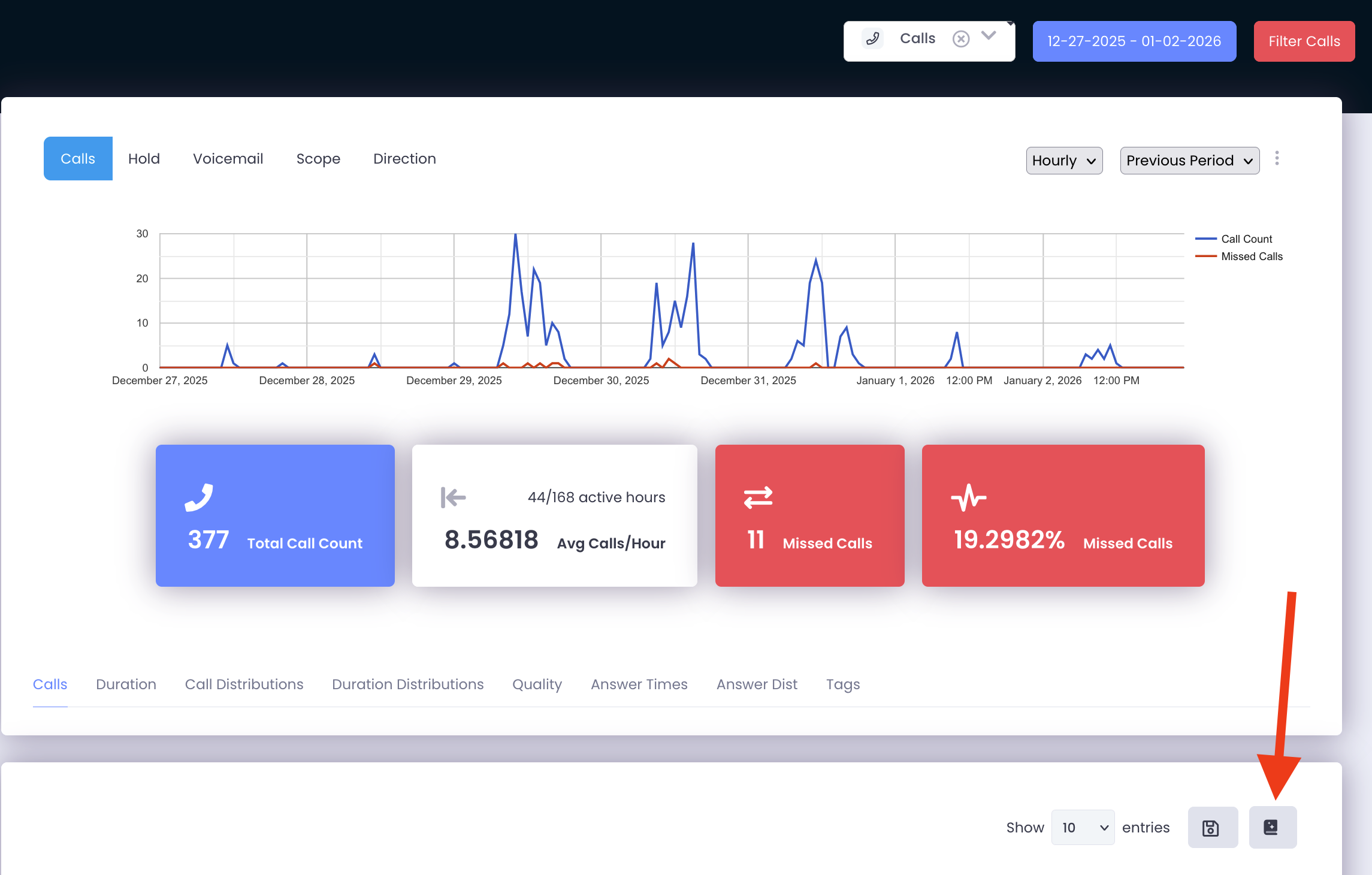
Section titled “Multi-Call”- Click the AI icon under Call History to pull up an AI conversation (see below)
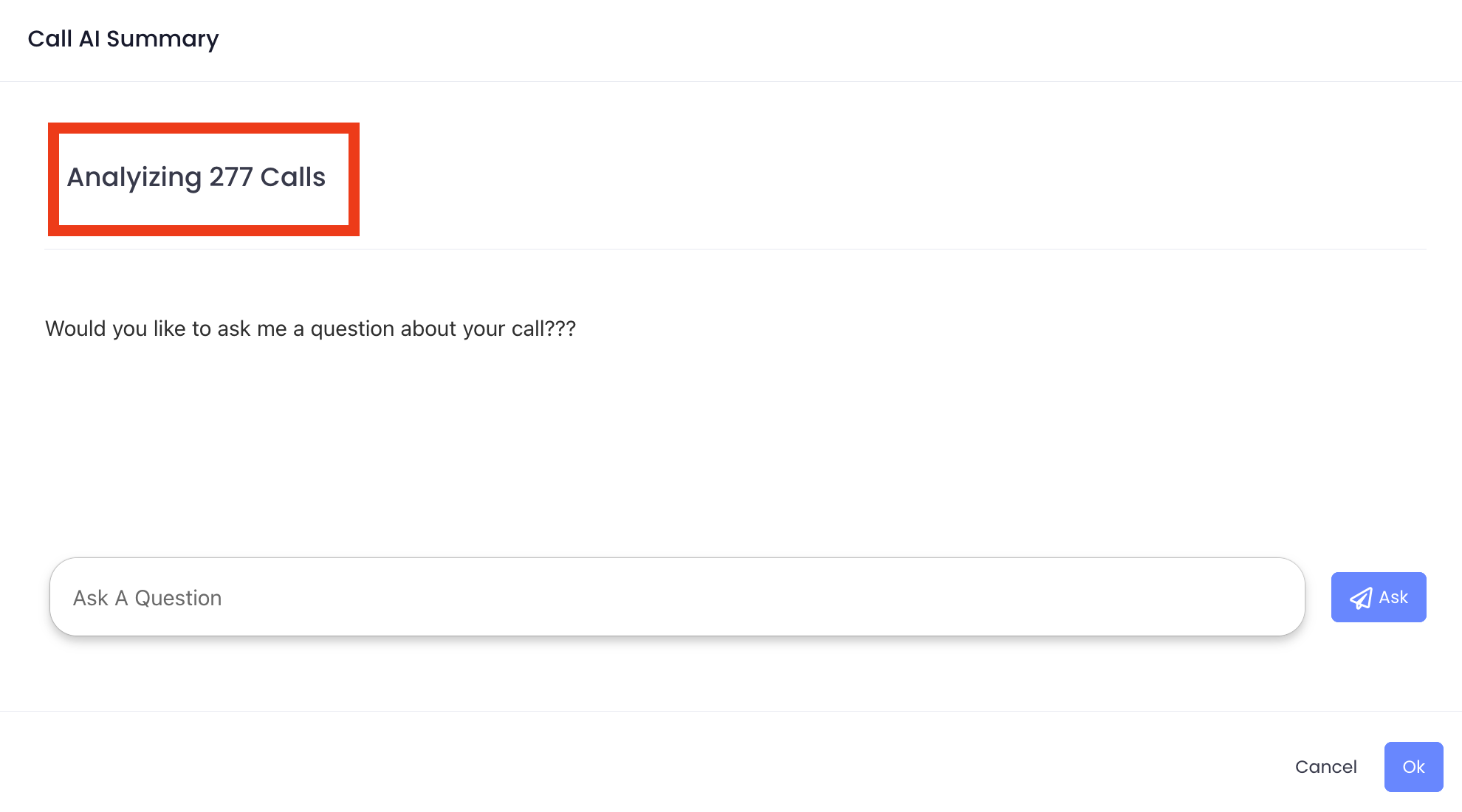
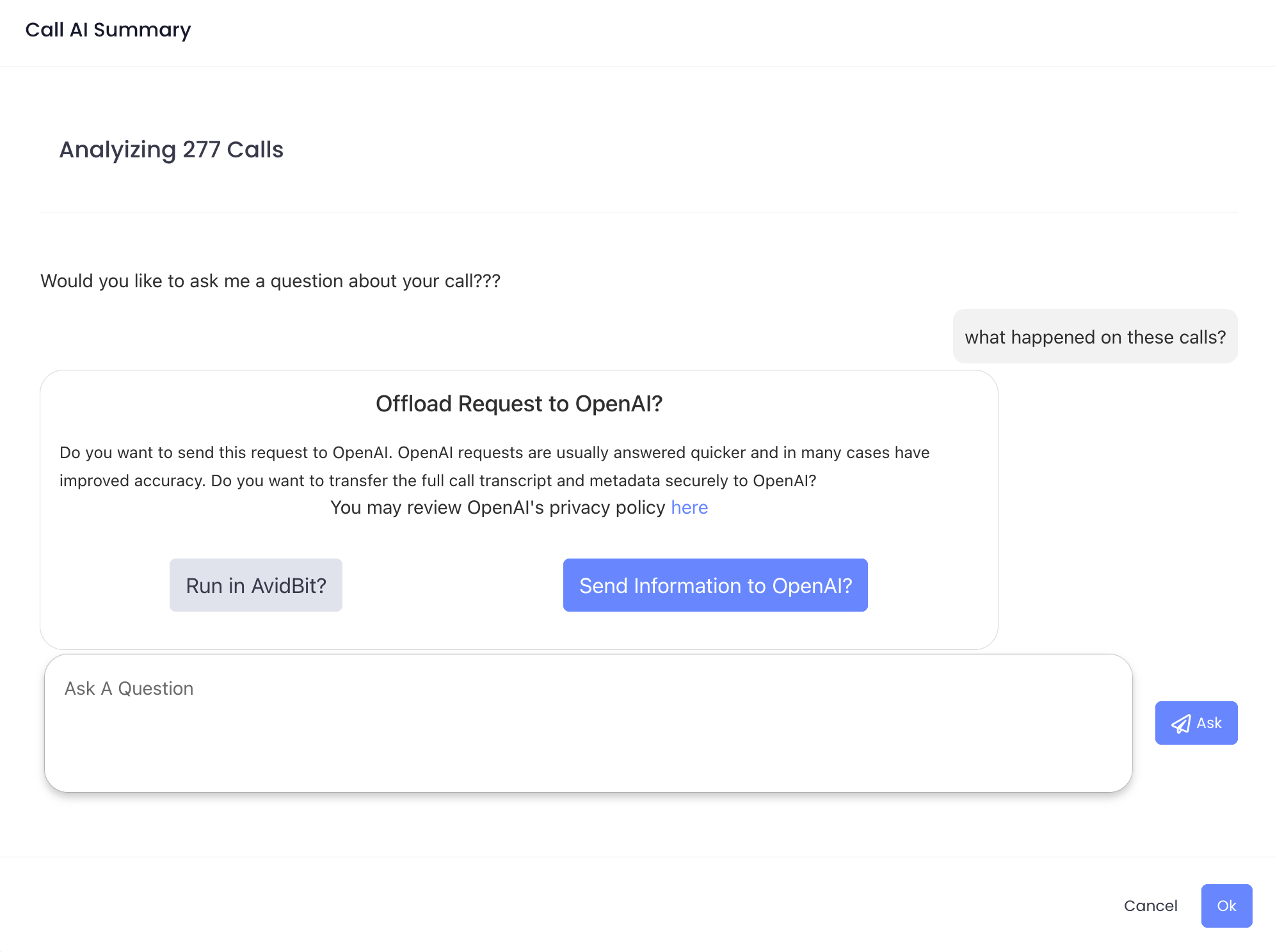
- A text box will then open (see below). Notice in the Analyzing # Calls, this is restricted to Date Range selected. In this instance 1 week is selected.
- After a question is asked, if OpenAI is enabled in settings, you will have the option to use AvidBit or OpenAI for analyzing calls. Whichever option is selected will remain persistent for the entire conversation.
Single Call
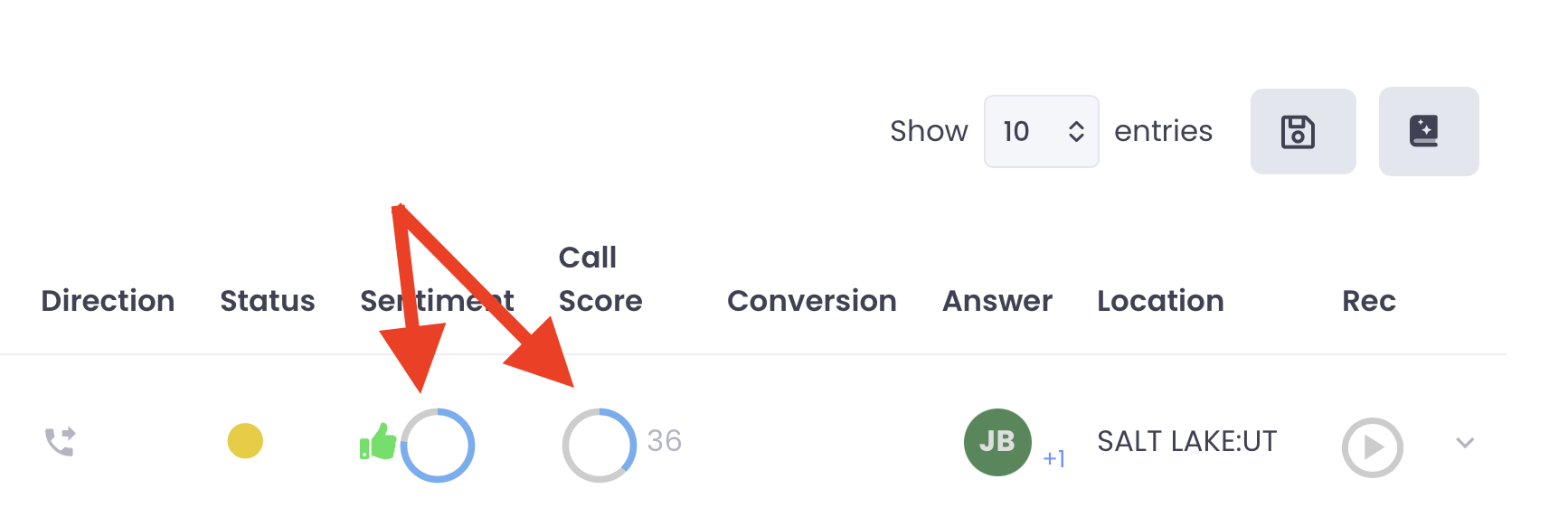
Section titled “Single Call”- To have an AI chat on just a single call, find the desired call within Call History and then click on the blue & gray circle underneath SentimentorCall Score(see below). This is also the place to seeCall Summary,Transcription,AI Follow-Up Tasks, and anyCustom Requests that are broken into a score card
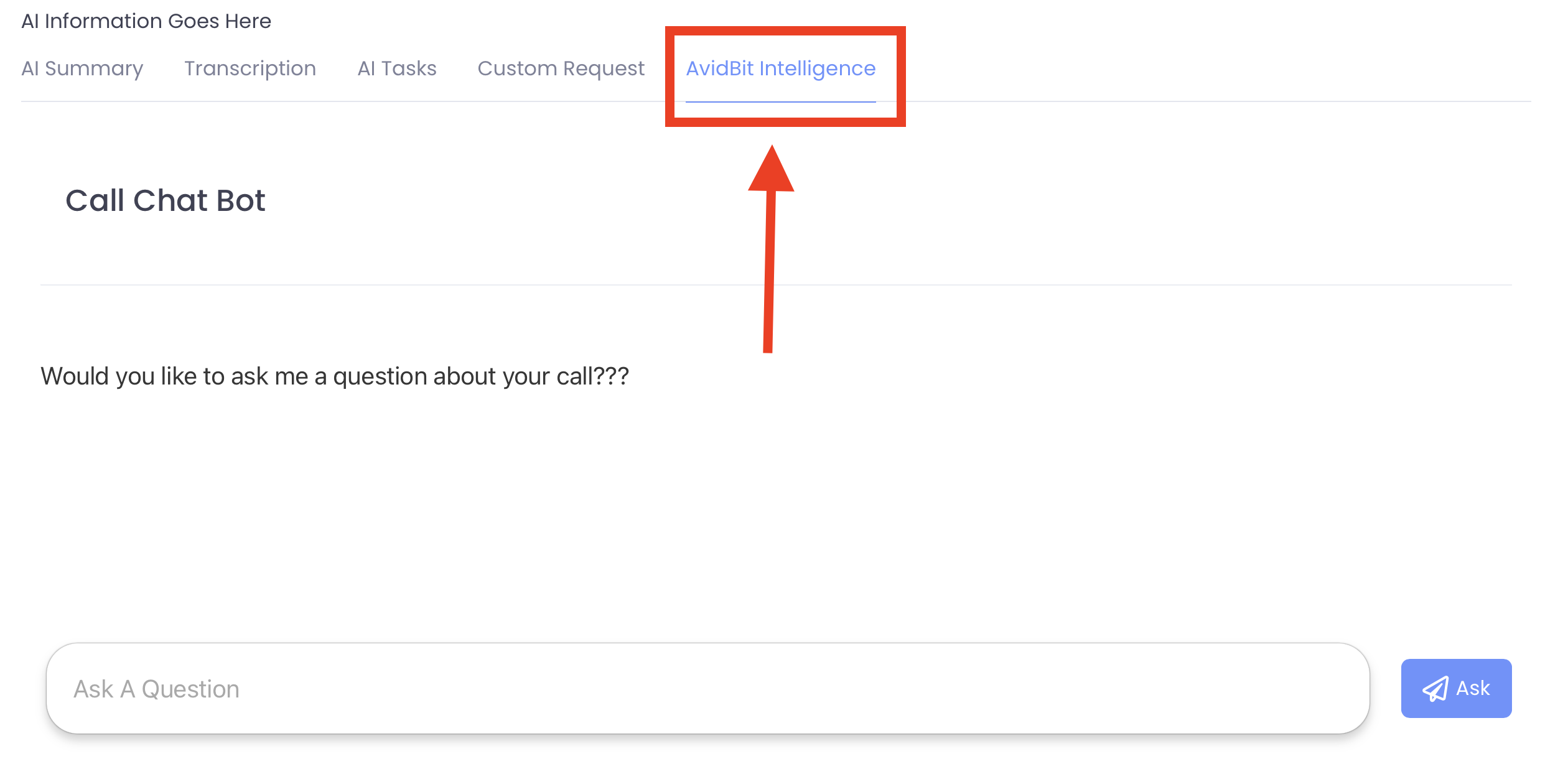
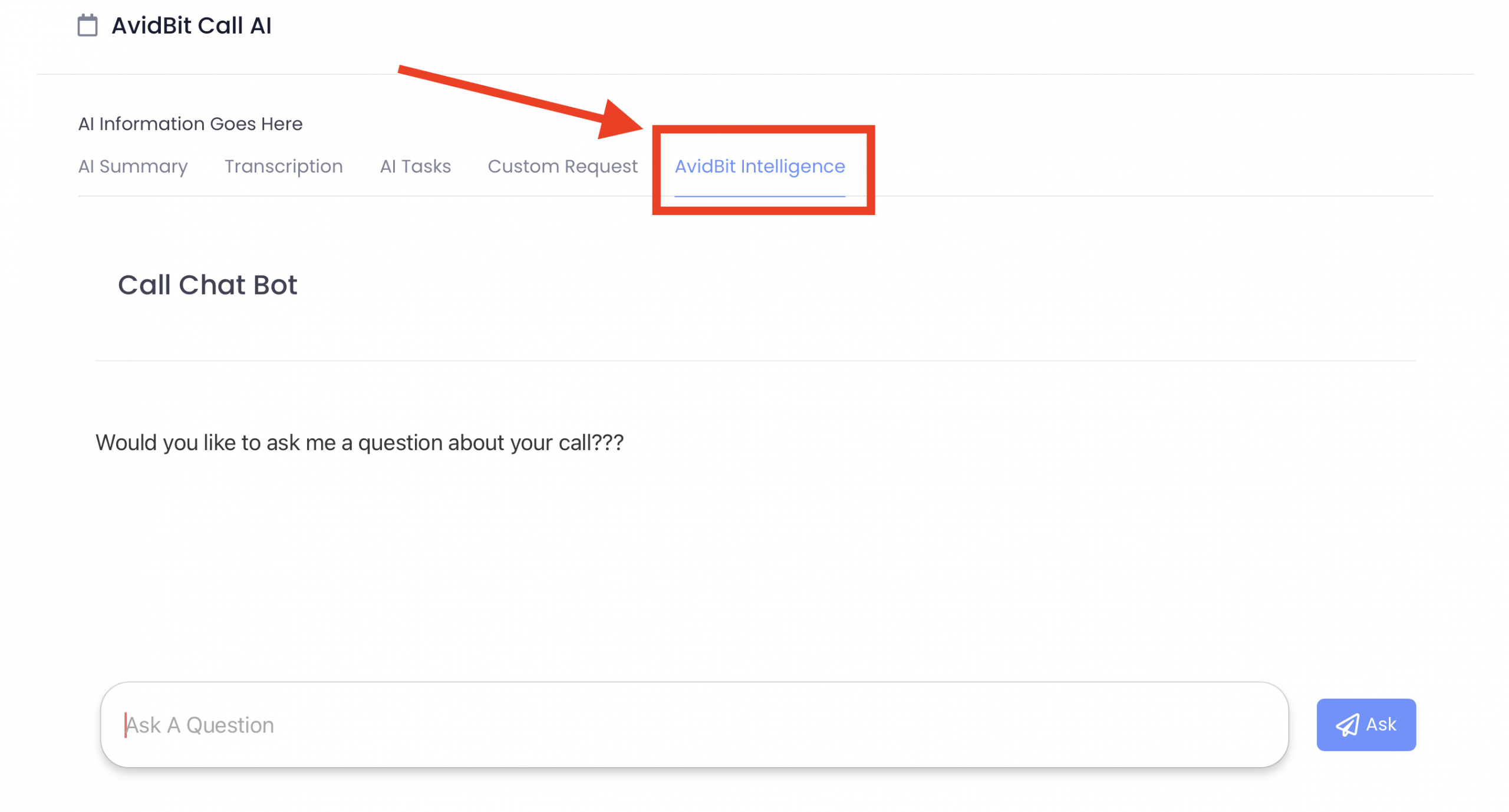
- Click on the AvidBit Intelligence pane to open the AI chat (see below)
Communicator
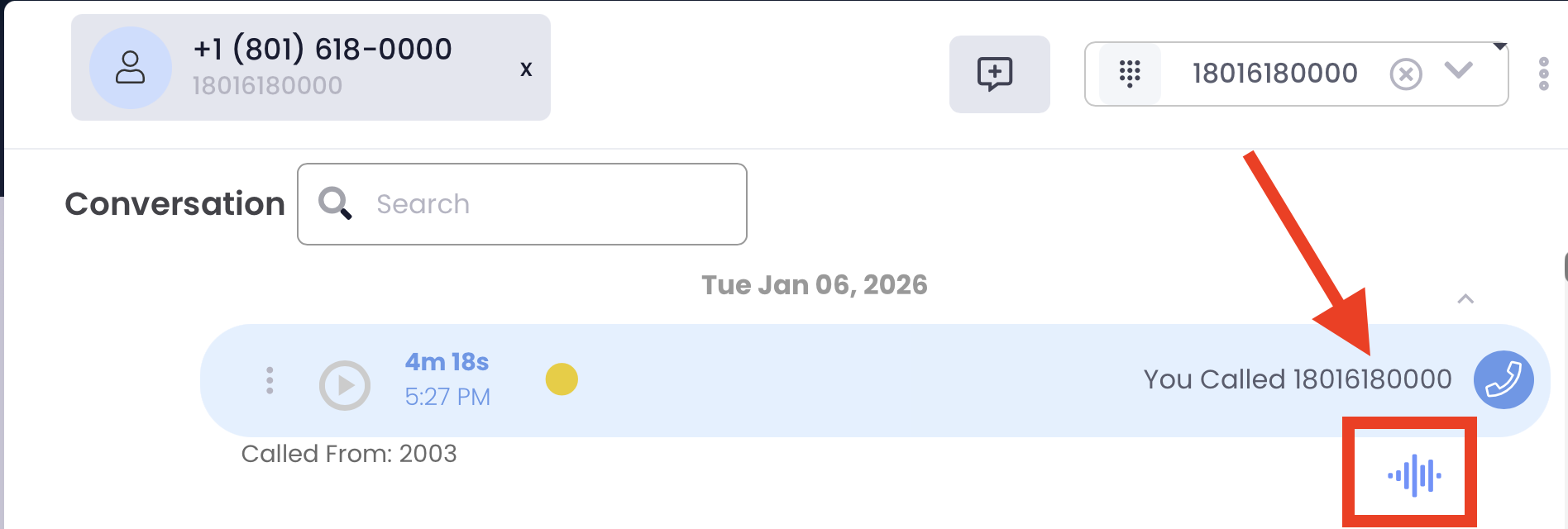
Section titled “Communicator”To use the AI Chat Bot on a single call, go into the conversation on Communicator, and click the ‘Wave’ icon found under the call. Then click on the AvidBit Intelligence tab (see below).