Sending Google Reviews via Communicator
Setup Process
Section titled “Setup Process”To enable Google Reviews via Communicator, follow these steps:
-
Contact Support: Reach out to AvidBit support requesting this feature. “Please also have a message in mind that you would like to send out.”
-
Authenticate the Integration: After support completes initial configurations, navigate toApps → Integrations → Google Reviews Integration and select the authentication button in the upper right corner.
-
Finalize Your Message: Inform AvidBit support once authentication is complete so they can implement your custom message.
-
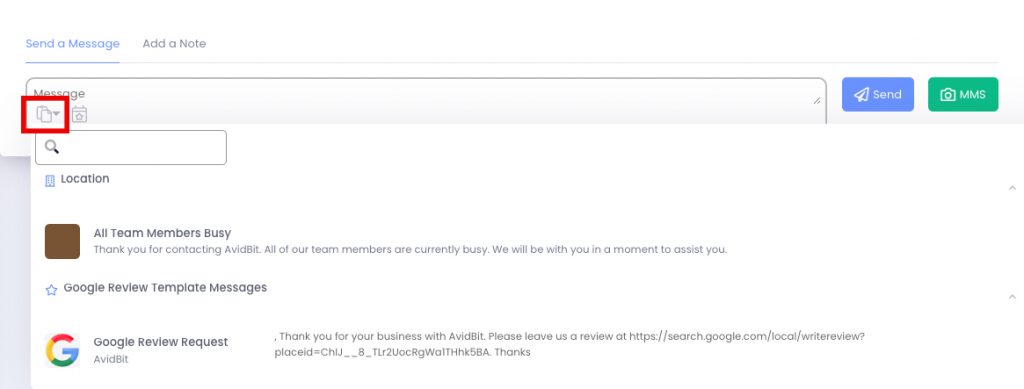
Access Templates: Once your message is finalized, locate the Google Review Request under templates in the Communicator message box. “Clicking on this will auto-populate your message field with the review.”