

How to add inbox members
How to add inbox members
Section titled “How to add inbox members”Members of an inbox by default receive any voicemails sent to that mailbox unless ‘Receive notifications’ is turned off. Furthermore, members will be able to use the number tied to that inbox.
Steps to add members:
Section titled “Steps to add members:”- From the top toolbar, select Settings.
- Select Inboxes.
- Click the associated inbox to add members to.
- On the Currently Selected Memberspane, click theAdd button.
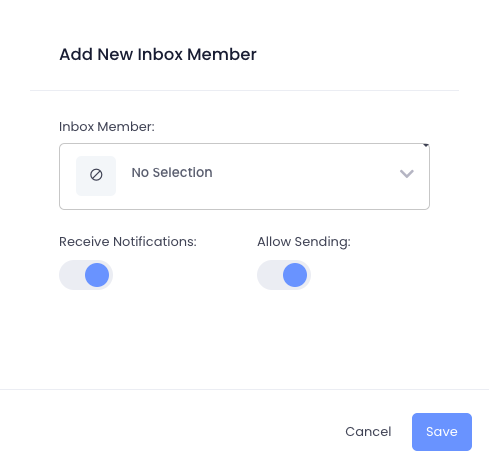
Member permissions:
Section titled “Member permissions:”**Receive Notifications:**When enabled, members will receive alerts for all communications in that inbox, including text messages, voicemails, and faxes.Allow Sending: When enabled, the user can use the inbox’s associated number for all communications such as texting, calling, and faxing.